Running a static site generator in Kubernetes might sound like overkill. But once you have a cluster, why not use it?
The challenge: Most tutorials show Pelican running with --listen mode or mounted volumes.
That works for development, but production needs something more robust.
The Problem with Volume Mounts
A typical first attempt looks like this:
volumes:
  - name: content
    hostPath:
      path: /app/
This approach has issues:
- Content must exist on the specific node
- No portability across cluster nodes
- Pelican's development server isn't production-ready
- Updates require SSH access to the node
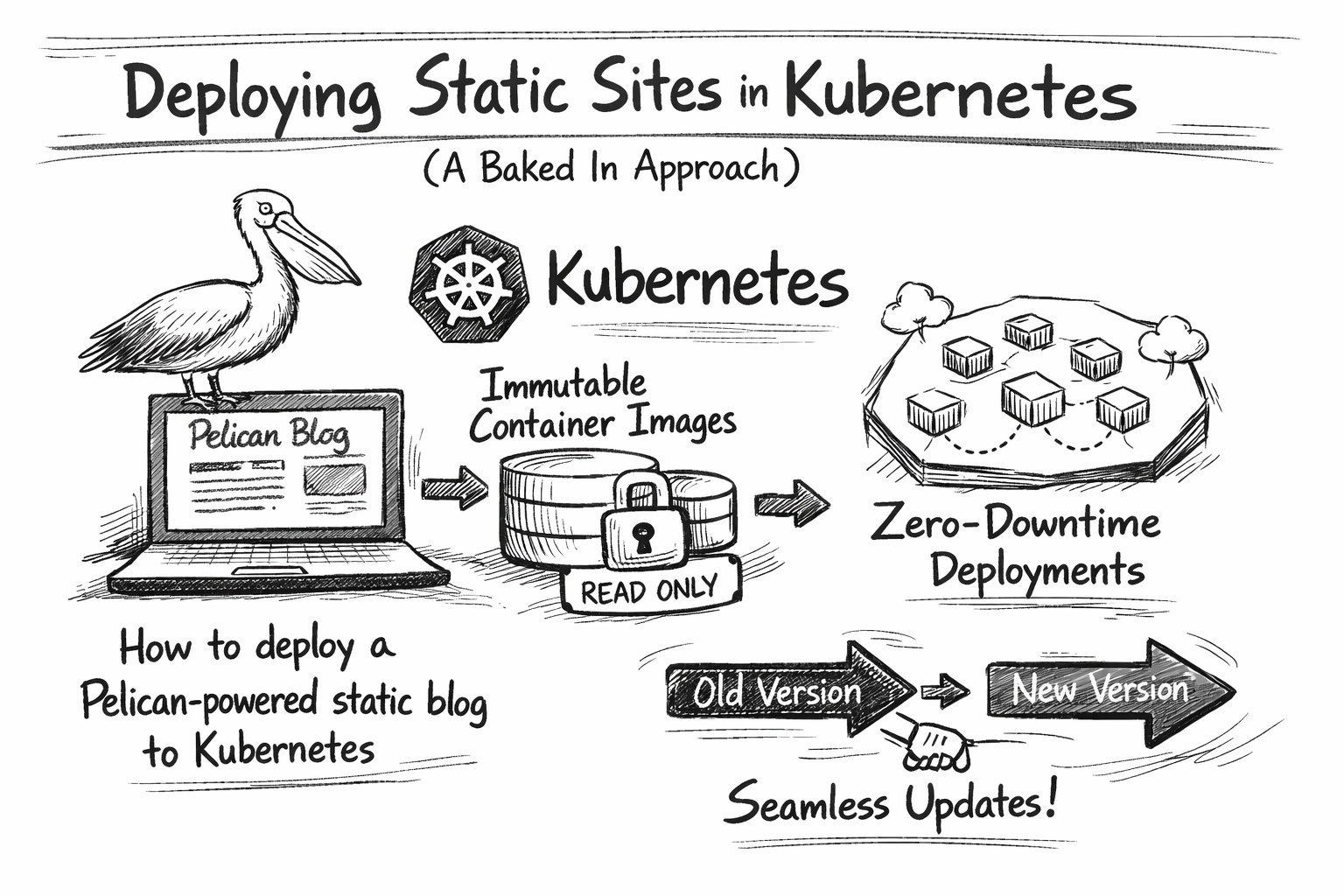
The Baked-In Approach
Instead of mounting content at runtime, we embed it in the container image during build time.
The architecture becomes:
git push → build image → push to registry → update deployment
Each deployment is an immutable artefact. Rolling back means deploying a previous image tag.
Multi-Stage Dockerfile
The build happens in two stages:
FROM python:3.12-slim AS builder

WORKDIR /build
COPY requirements.txt .
RUN pip install --no-cache-dir -r requirements.txt

COPY content/ ./content/
COPY themes/ ./themes/
COPY pelican-plugins/ ./pelican-plugins/
COPY pelicanconf.py publishconf.py ./

RUN pelican content -o output -s publishconf.py

FROM nginx:alpine
COPY --from=builder /build/output /usr/share/nginx/html
The first stage installs Pelican and generates HTML. The second stage copies only the output to a minimal nginx image. The final image contains no Python code, no source files, and is just static HTML served by nginx.
Kubernetes Deployment
The deployment is straightforward:
apiVersion: apps/v1
kind: Deployment
metadata:
  name: pelican
spec:
  replicas: 1
  strategy:
    type: RollingUpdate
    rollingUpdate:
      maxSurge: 1
      maxUnavailable: 0
  template:
    spec:
      containers:
      - name: pelican
        image: registry.example.com/blog:20260129-120000
        ports:
        - containerPort: 80
        livenessProbe:
          httpGet:
            path: /
            port: 80
        readinessProbe:
          httpGet:
            path: /
            port: 80
Key points:
RollingUpdatewithmaxUnavailable: 0ensures zero downtime- Health probes verify that site is actually serving
- Image tags use timestamps for easy identification
Automating Deployment
A git post-receive hook triggers the build:
while read oldrev newrev refname; do
    branch=$(echo "$refname" | sed 's|refs/heads/||')

    if [ "$branch" = "main" ]; then
        TAG=$(date +%Y%m%d-%H%M%S)

        docker build -f Dockerfile.k8s \
            -t registry.example.com/blog:$TAG .
        docker push registry.example.com/blog:$TAG

        kubectl set image deployment/pelican \
            pelican=registry.example.com/blog:$TAG
    fi
done
Push to main, grab a coffee, the site is updated.
Production nginx Configuration
Pelican's built-in server is fine for previewing. Production deserves proper caching:
server {
    listen 80;
    root /usr/share/nginx/html;

    gzip on;
    gzip_types text/plain text/css application/javascript;

    location ~* \.(css|js|png|jpg|svg)$ {
        expires 30d;
        add_header Cache-Control "public, immutable";
    }

    location ~* \.html$ {
        expires 1h;
        add_header Cache-Control "public, must-revalidate";
    }
}
Static assets get long cache times. HTML files get shorter times, so content updates propagate quickly.
Testing Locally
Before deploying, test the production build:
docker build -f Dockerfile.k8s -t blog-test .
docker run --rm -p 8080:80 blog-test
Visit http://localhost:8080 and verify everything renders correctly.
This catches issues like missing assets or broken links before they reach production.
Trade-offs
This approach has costs:
- Build time: Each push rebuilds the entire site (~30 seconds for a small blog)
- Image size: Each image contains all content (~50MB for nginx:alpine + HTML)
- Registry storage: Old images accumulate (mitigate with retention policies)
The benefits:
- Immutability: Every deployment is reproducible
- Portability: Runs on any node in the cluster
- Rollback: Previous versions are just
kubectl set imageaway - No runtime dependencies: nginx serves files, nothing else needed
Conclusion
Static sites and Kubernetes pair well when you treat content as build-time configuration rather than runtime data. The baked-in approach trades build complexity for operational simplicity.
Photo by Birger Strahl on Unsplash