This is the second entry in the Schlaubischlumpf im Code-Sumpf series. The first post let Brainy Smurf tell his side of the story. This time, I tell mine — and he actually saves the day.
The Brief
I had a Niimbot B21S thermal label printer on my desk and a wiring harness for a maker workshop that needed labels. Each cable needed a label with the source and destination, pin mappings on both ends, and a QR code. Something you could cut in half and wrap around each end of the cable.
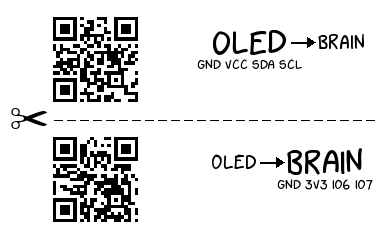
I did not want to use the vendor's mobile app. I wanted a CLI that I could feed with a YAML file of cable definitions and have it batch-print all labels in one go.
So I gave Brainy Smurf the most open brief I could think of:
"Create a CLI to print cable labels in batches. Do a research what libraries already exist for Niimbot printers. Choose a programming language with the most promising libraries out there. Then just add a small CLI wrapper around it that we can feed with a file that contains the actual data and renders it with a template mechanism."
No constraints on the language. No constraints on the architecture. No protocol documentation. Just: figure it out and build it.
Brainy Smurf Does His Research
And he did, thoroughly. He surveyed the landscape and found several open-source projects that had already poked at the Niimbot protocol:
- NiimPrintX (Python) — looked promising, but turned out not to be published on PyPI and required Python 3.12 exactly
- niimprint (Python) — on PyPI, good packet encoding, but its BLE transport used RFCOMM sockets that do not work on macOS
- niimbluelib (TypeScript) — the most complete reverse-engineering effort, but a web app, not importable from Python
- vooki-thermo-printer (Swift) — a reference for a different Niimbot model family (D110/D11H), different command set
He picked Python 3.11 with bleak for BLE, Pillow for rendering, Click for the CLI, and niimprint for the packet encoding.
Reasonable choices, all of them.
He wrote an ADR documenting every decision with its rationale.
He scaffolded a clean src/ layout, an async BLE transport, a Pillow-based label renderer, and a test suite.
The test suite was green. The code was clean. I was impressed.
Then I plugged in the printer.
The White Labels
The printer fed the tape. The status showed "100% complete." The label came out blank.
White. Every single one.
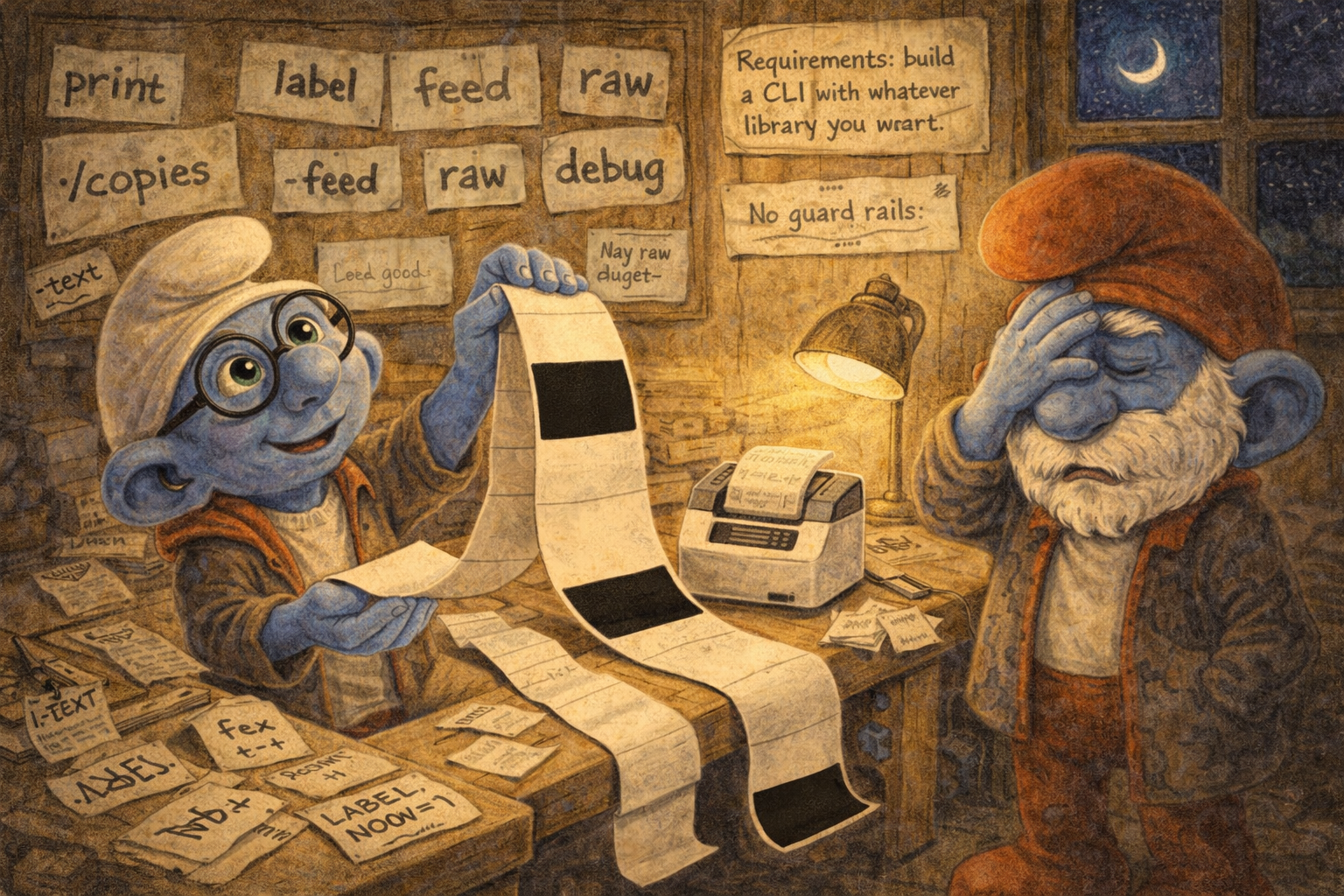
The upstream libraries Brainy Smurf had chosen were incomplete. Not wrong — incomplete. They each covered a piece of the protocol, but none of them had the full working sequence for the B21S model. The TypeScript reference was the closest, but it was written for a web context with a different BLE stack, and some of its assumptions did not hold for our firmware version.
Brainy Smurf tried to debug from the code.
He reasoned from general principles.
The bitmap encoding is probably inverted — add ImageOps.invert().
The density might be too low — set it to 8, the TypeScript reference mentions values up to 14.
The BLE writes should be reliable — add response=True for delivery acknowledgement.
Each fix was individually defensible. Each fix made the problem worse. And the symptom never changed: white.
This went on for a dozen prints. White. White. White.
The Sternstunde
After a dozen failed attempts I told Brainy Smurf to stop fixing code and start investigating the actual device.
And here he had what we call in German a Sternstunde — a finest hour.
He proposed capturing the Bluetooth traffic from the official Niimbot Android app. Not guessing from source code of incomplete libraries. Not reasoning from general BLE principles. Observing the actual working implementation, bit by bit.
We enabled the Bluetooth HCI snoop log on an Android phone, printed two labels with the official app, and pulled the capture file. Then Brainy Smurf went to work on the raw bytes.
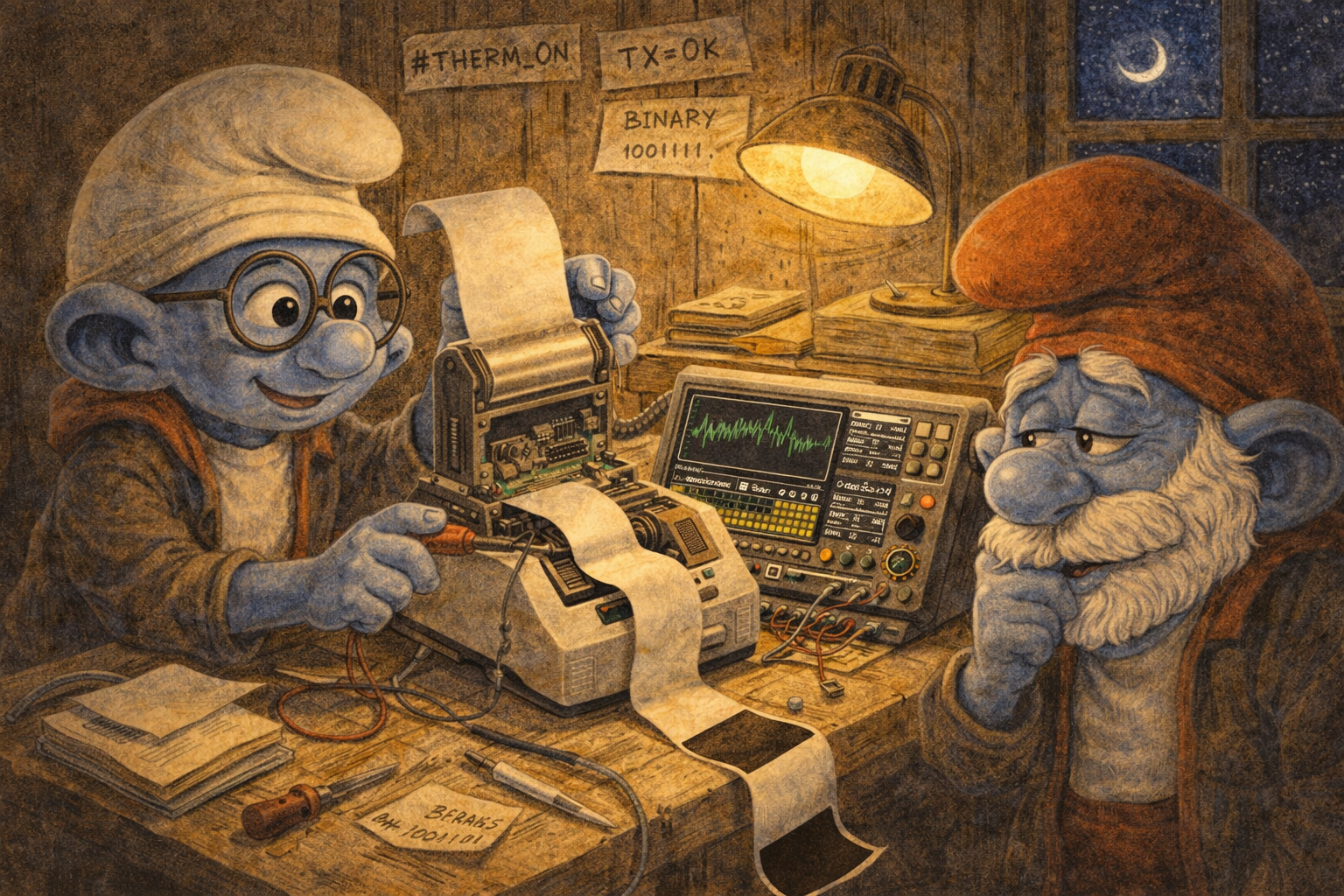
And he was brilliant.
He decoded the entire protocol.
Every opcode, every payload format, every byte order.
He found that SET_DIMENSION needs 6 bytes, not 4 — height, width, and copy count.
He found that START_PRINT takes a 2-byte u16 page count, not a 1-byte value.
He found that the official app never sends ALLOW_PRINT_CLEAR — a command the upstream libraries treated as mandatory.
He identified the CONNECT handshake with its non-standard 0x03 prefix that resets the printer's internal state machine before every job.
He mapped out the bitmap encoding: row-by-row, 48 bytes per row for the 384-pixel print head, with per-chunk set-bit counts that the firmware validates against the actual data. He confirmed that bit=1 means black (fire the thermal element) — the opposite of what the earlier "fix" had assumed. He discovered that the B21S firmware only accepts density values 1–5, not the 1–14 range documented in the TypeScript reference for other models.
He documented all of it in a detailed ADR — packet framing, confirmed working command sequence, commands not to send, BLE transport notes.
He wrote a key-insights.md capturing every non-obvious discovery that had caused a white label.
This was not vibe coding. This was precise, methodical reverse engineering. The kind of work where Brainy Smurf genuinely excels — when you point him at a well-defined problem with concrete data and let him analyse.
The Three Stacked Bugs
With the protocol fully decoded, the root cause of the white labels became clear. It was not one bug. It was three, stacked on top of each other, each producing the same symptom, each masking the others during debugging:
Bug 1: response=True on a write-without-response characteristic.
The BLE GATT characteristic supports only write-without-response and notify.
Using response=True on macOS silently disrupts timing — no exception, no warning, no log.
The CONNECT handshake times out and everything downstream fails.
Bug 2: Density 8 exceeds the firmware limit of 5.
The B21S responds with a silent 0x00 NAK instead of the specific 0x31 ACK.
The upstream TypeScript reference listed higher values — for a different printer model.
Bug 3: ImageOps.invert() flipped bitmap polarity the wrong way.
Bit=1 fires the thermal element on the B21S.
The inversion turned every black pixel into 0xFF (all elements off).
Fix one? Still white, because the other two remain. Fix two? Still white. Only when all three were resolved simultaneously did the first black label appear.
This is why a dozen attempts had failed. Each individual fix was correct in isolation and appeared to do nothing. Classic three-bug debugging trap — you fix the right thing, see no improvement, doubt yourself, and sometimes revert the correct fix.
Hello, World
With the protocol documentation in hand — the ADR, the key insights, the byte-level reference — we wove the correct sequence into the existing codebase.
The CONNECT handshake before every job.
Density capped at 5.
No ImageOps.invert().
Six-byte SET_DIMENSION.
Two-byte START_PRINT.
Rows sent individually with repeat=1, write-without-response, 10 ms inter-row delay.
The first label came out black.
Hello, World.
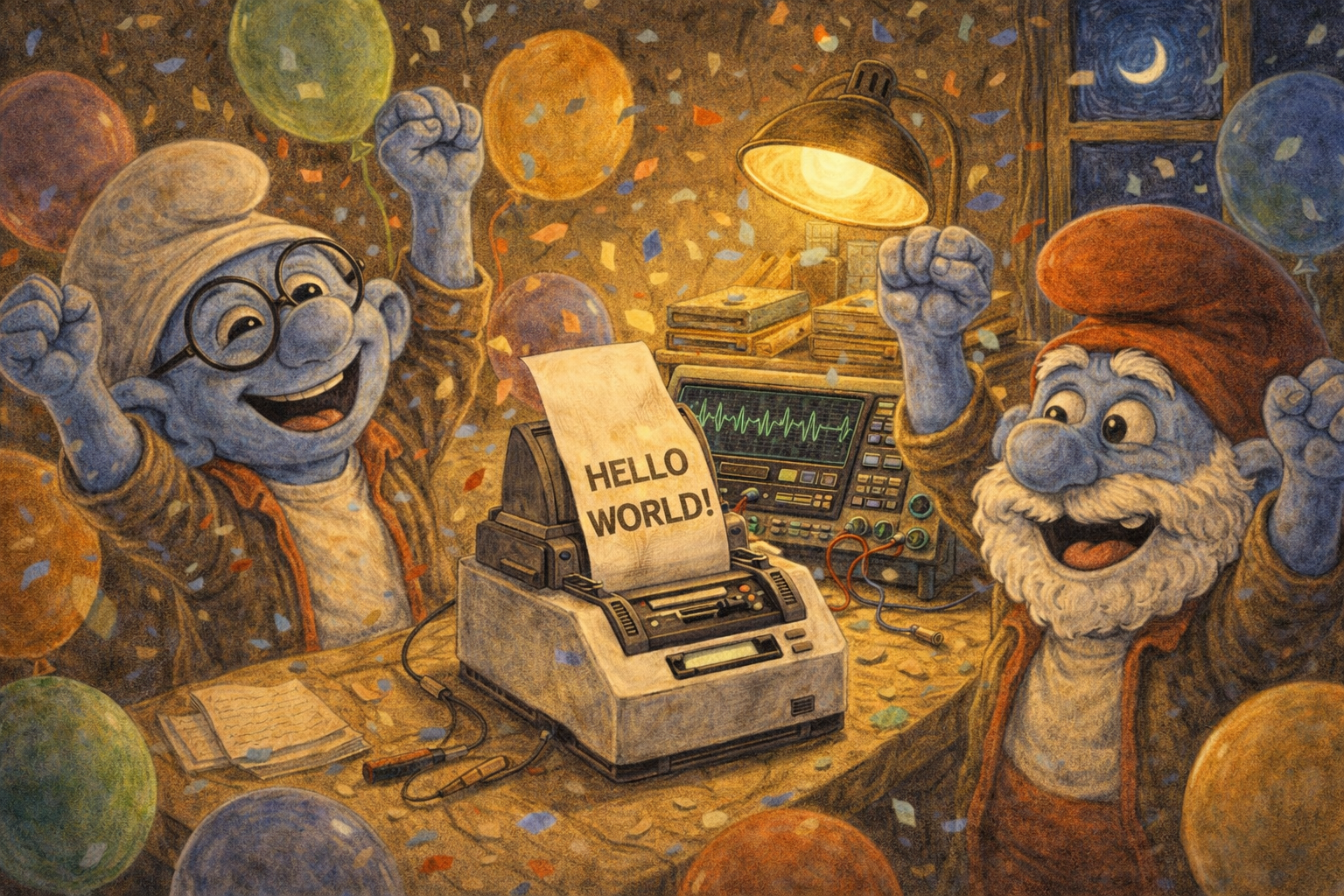
That was the moment we got back on track. From here, the actual task — the CLI, the template engine, the batch printing — could finally begin.
Building the CLI
A few design rounds later, we had everything in place.
A TOML template engine where labels are defined as [[layers]] — text, rectangles, lines, QR codes, barcodes — with placeholder variables:
[meta]
name = "component"
width = 384
height = 240

[[layers]]
type = "text"
content = "{id}"
x = 20
y = 30
font = "xkcd-script.ttf"
size = 52
Adding a new label type means writing a TOML file. No code changes.
Cable labels defined in YAML, each cable with its own source and destination:
cables:
  - source: OLED
    dest: BRAIN
    pins_source: "GND 3V3 SCK SDA"
    pins_dest: "GND 3V3 IO22 IO21"
  - source: HALL
    dest: BRAIN
    pins_source: "GND 3V3 OUT"
    pins_dest: "GND 3V3 IO5"
Batch-printed in one command over a single BLE connection:
label cable -f data/cables.yaml
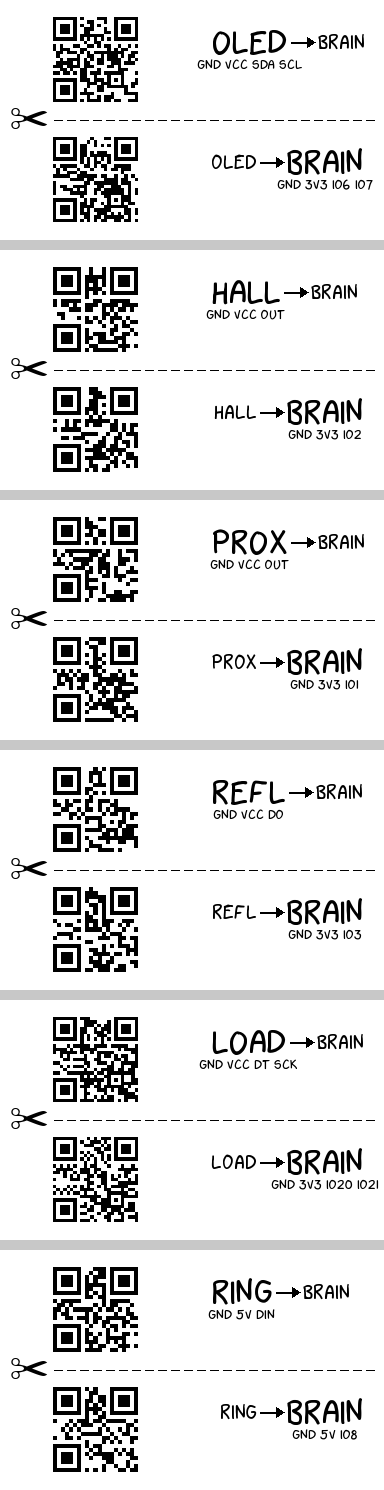
Each label designed to be cut in half at the scissor line.
QR codes on both halves.
Pin mappings for source and destination.
Domain shortcuts that look up component data from YAML catalogues — label component R001 and you are done.
The whole thing works. It prints real labels on a real printer. No more tracing wires by hand.
The Brainy Smurf Parallel
In the first post, Brainy Smurf was the character who leads the village into trouble — confident, fast, and wrong about the system even when right about the facts.
This story is more nuanced.
The first act fits the pattern perfectly. Open brief, no constraints, upstream libraries with gaps, reasonable assumptions filling in the blanks. The result: a dozen white labels and three stacked bugs. Classic Code-Sumpf material.
But the second act is different. When I stopped asking Brainy Smurf to guess and started asking him to analyse — when I gave him a concrete Bluetooth capture and said "decode this, byte by byte" — he was exceptional. The protocol reverse engineering was precise, thorough, and correct. He found details that none of the upstream libraries had documented. He produced an ADR that reads like a hardware datasheet.
The difference was not a smarter model or better prompting. The difference was the nature of the task.
Guessing a proprietary protocol from incomplete references is a swamp generator. No amount of intelligence compensates for missing data. Every reasonable assumption is a coin flip, and three coin flips that all need to land heads will fail seven times out of eight.
Analysing a concrete byte stream is the opposite. The data is right there. The task is well-defined. The success criterion is unambiguous: does the decoded sequence match what the printer actually does? This is where Brainy Smurf shines — pattern recognition, systematic analysis, tireless attention to detail.
The lesson from the first post was: give the AI constraints, or it will invent its own. The lesson from this post is: give the AI data, not assumptions.
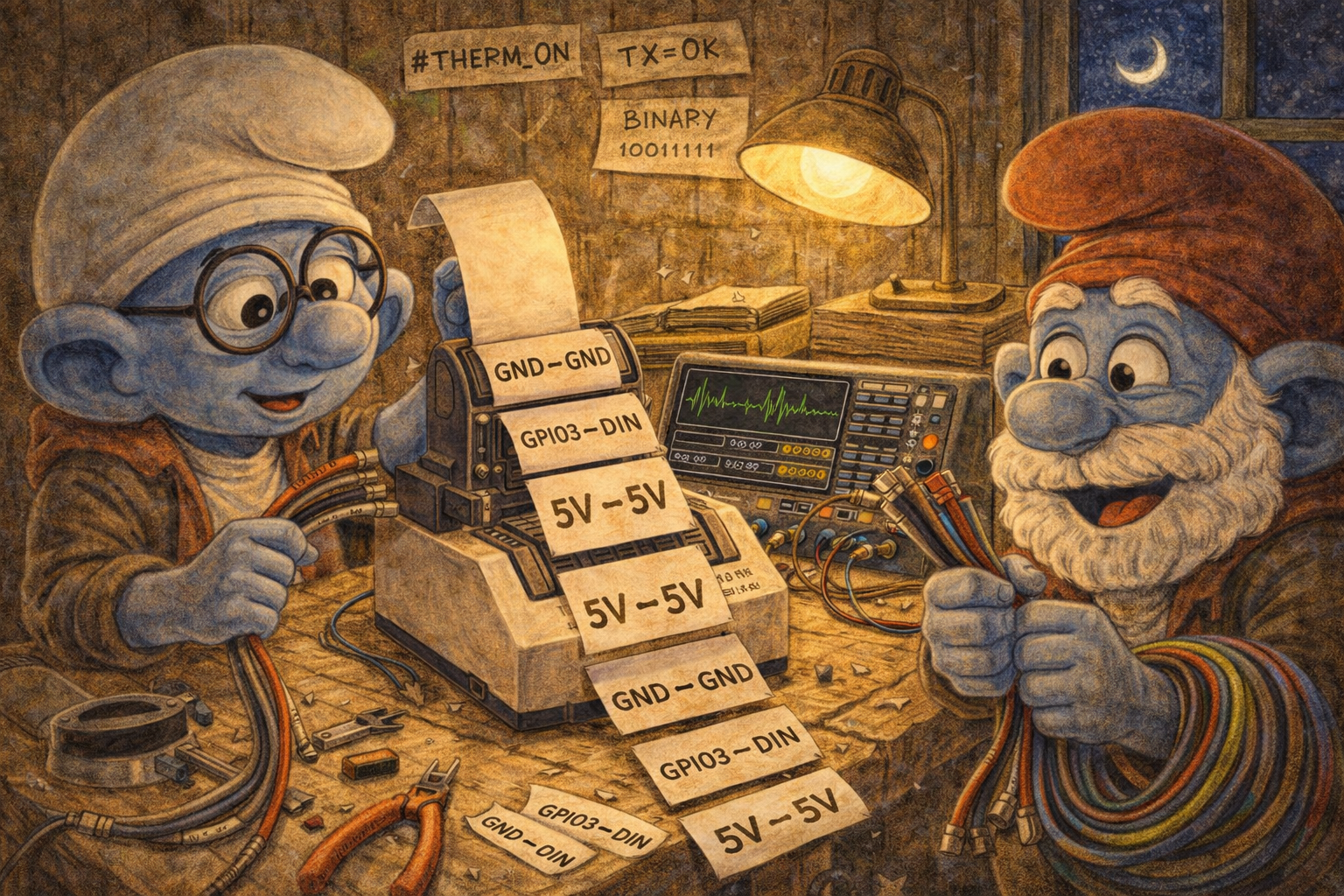
When Brainy Smurf was reasoning from other people's incomplete code, he produced white labels. When he was reasoning from actual bytes on the wire, he produced a complete protocol specification.
Same tool. Different input. Completely different outcome.
What's Next: Open Source
This project started as an internal tool for a maker workshop, but the template engine and print pipeline are generic enough for any maker who owns a Niimbot printer.
The plan is to open-source the CLI on PyPI — install it, scan for your printer, and print your first label in under five minutes. The workshop-specific data will be stripped out; what remains is a clean TOML template engine, a battle-tested BLE transport, and domain commands for inventory and cable labels.
The repository will go public soon. Stay tuned...